

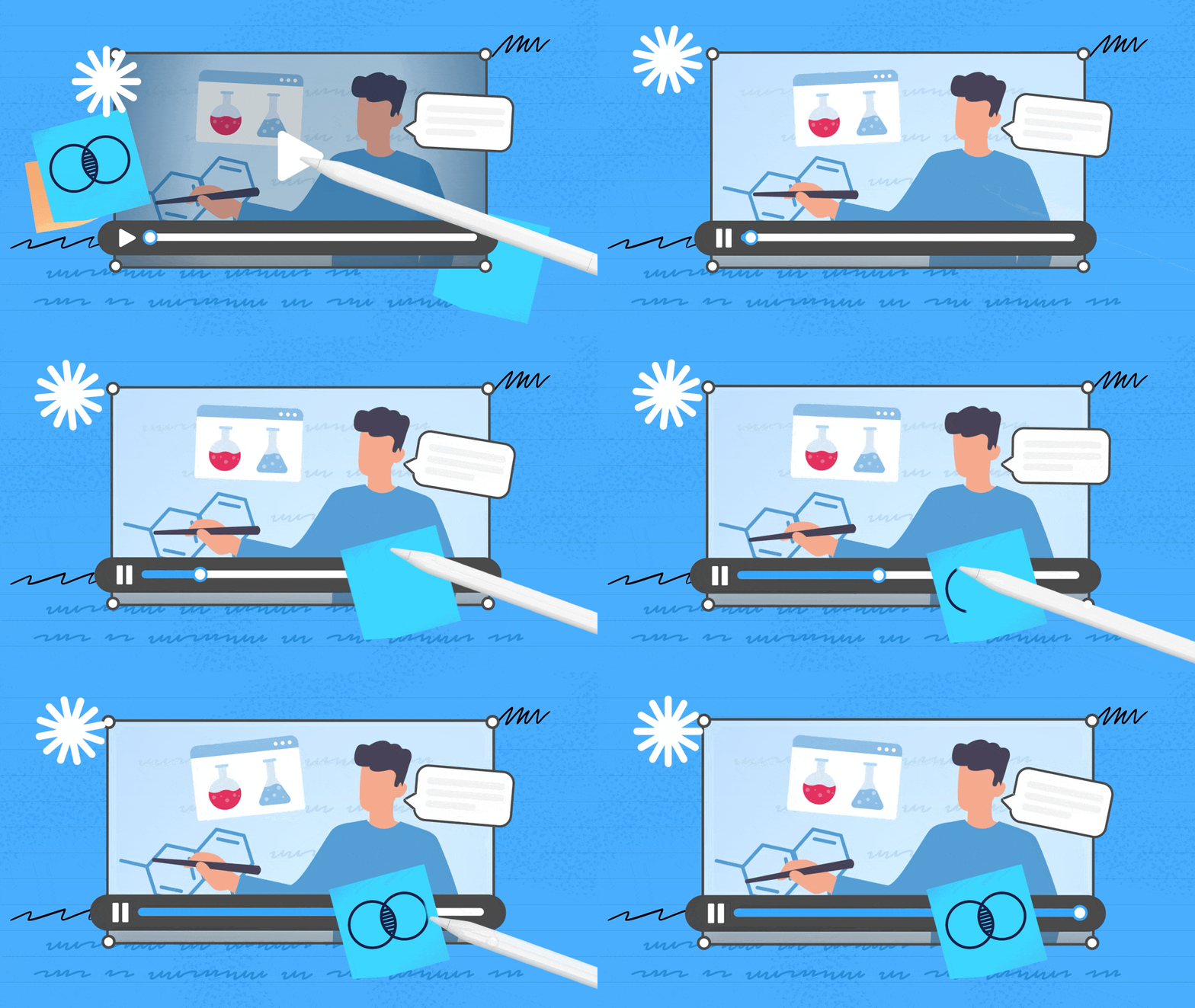
There's a moment when you're really in the zone with your notes — pen moving, thoughts connecting, the page filling up with something that actually makes sense to you. With 3.5, we wanted to make that feeling last longer.
There's a version of your notes that moves with you. Where your lecture video sits right next to your highlights, where editing never pulls you out of your flow, and where the page looks exactly the way you pictured it. That's what we've been building towards.
Notewise has always been a canvas built around one thing: protecting that feeling of being in flow. With 3.5, we asked ourselves what it would take to make the canvas itself feel more alive — not busier, not more complicated. Just more.
This is our answer.
Notes don't have to be still things. Lectures aren't still. Learning isn't still. So why should your canvas be?
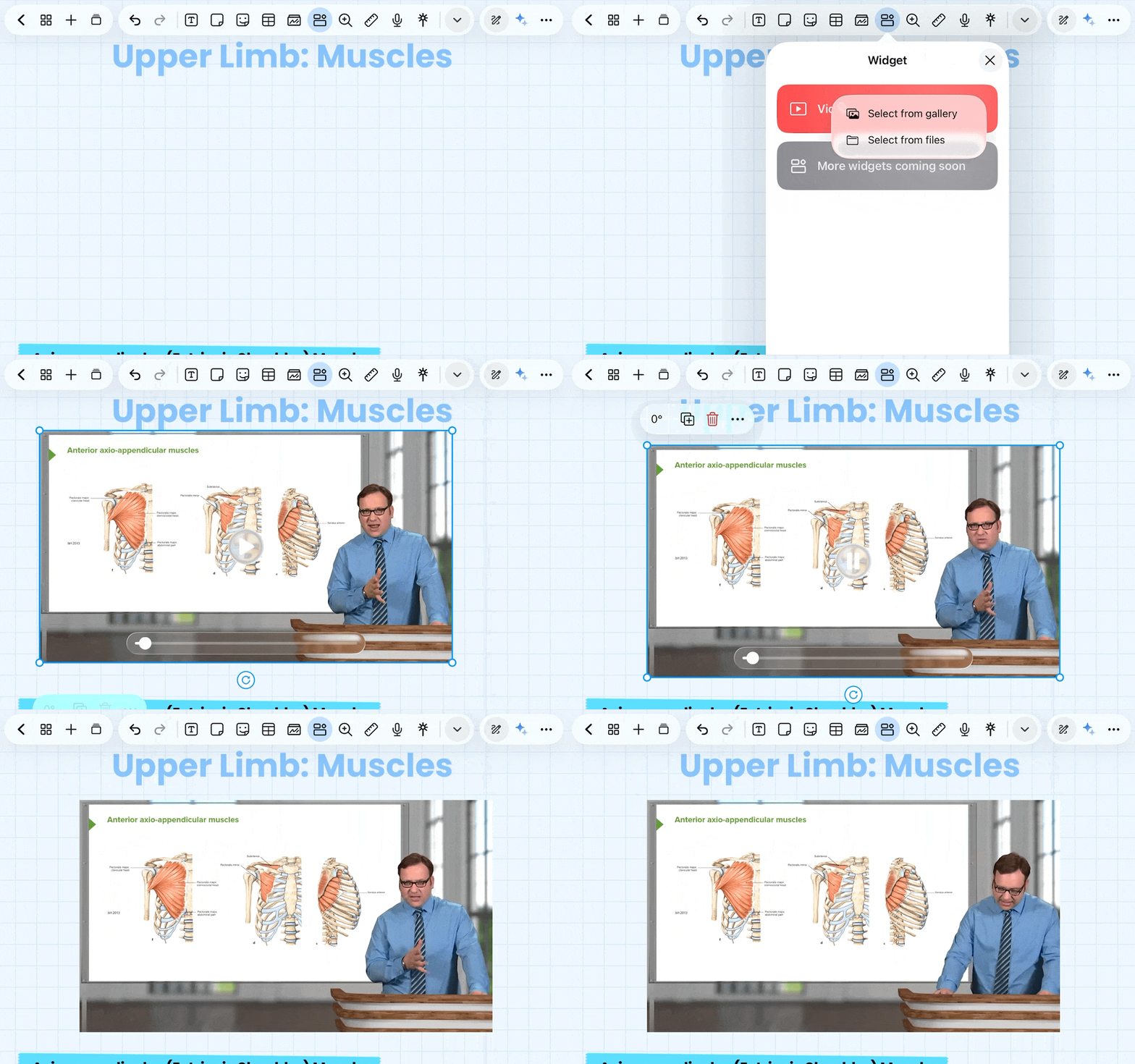
With Notewise 3.5, you can drop a video directly onto your page — a lecture, a tutorial, a reference clip, a journal video — and it just lives there, as a native part of your notes. You can pause it, annotate around it, place a highlighter stroke over it and add a sticker to personalise it. Your video is woven into the page rather than existing in a different tab two context-switches away.
It's the kind of thing that's hard to explain until you try it, and then you wonder how you worked any other way.
(Supported formats: MP4, MOV, M4V on iOS; MP4, M4V, MKV, 3GP, WEBM on Android)
Editing on a canvas usually means stopping what you're doing — switching tools, making your selection, then switching back. It's a small interruption, but it adds up.
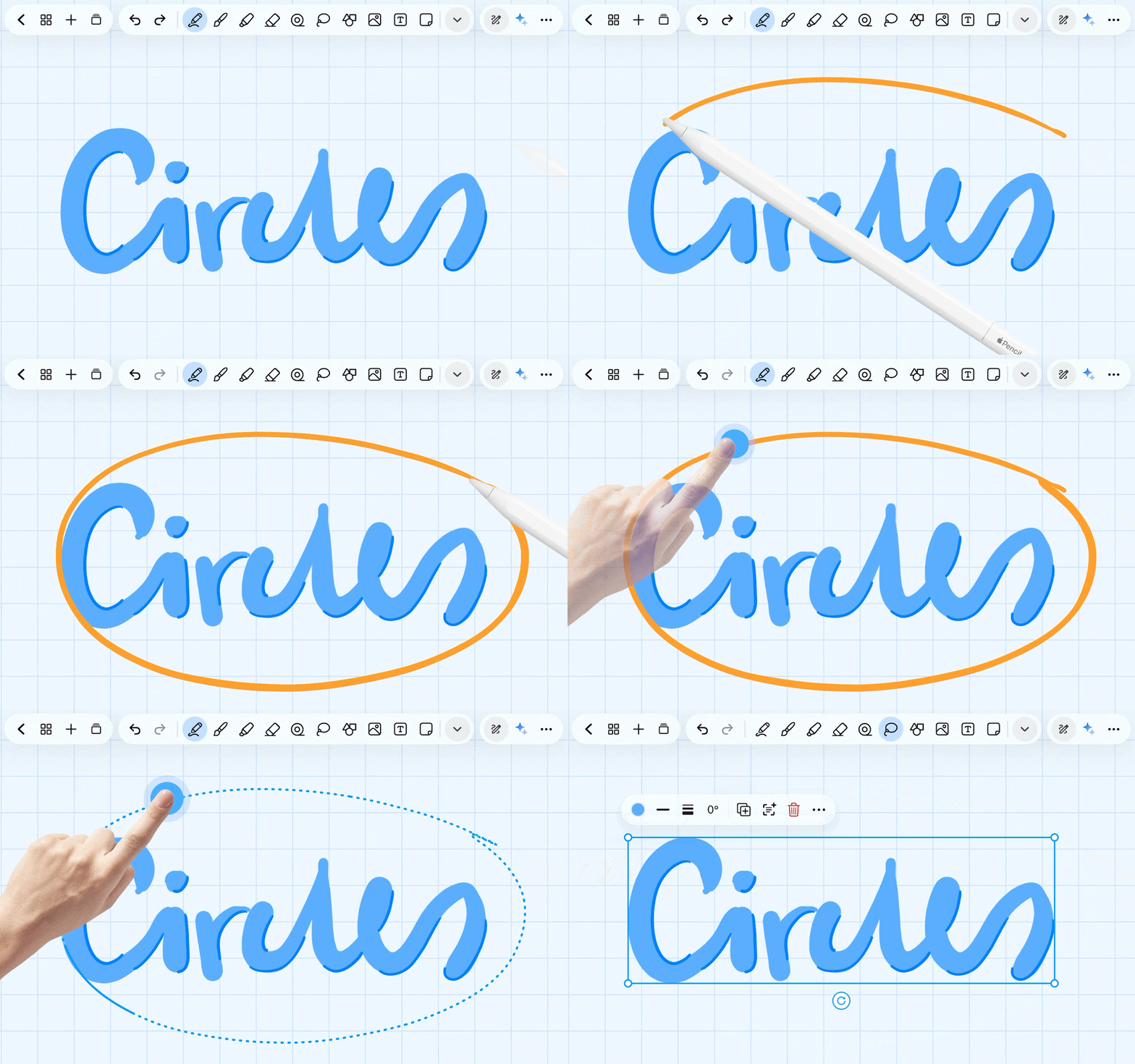
You're writing in pen mode. You see something you drew earlier — a sketch, a diagram, a section of text — and you want to move it. With Circle to Lasso, you just circle it with your pen, tap with your hand/stylus, and you're in lasso mode. The element is yours. Move it, resize it, transform it. Then tap away and you're writing again.
No switching. No losing your place. Just one continuous motion that keeps you exactly where you want to be.
Your shapes should look as sharp as your thinking.
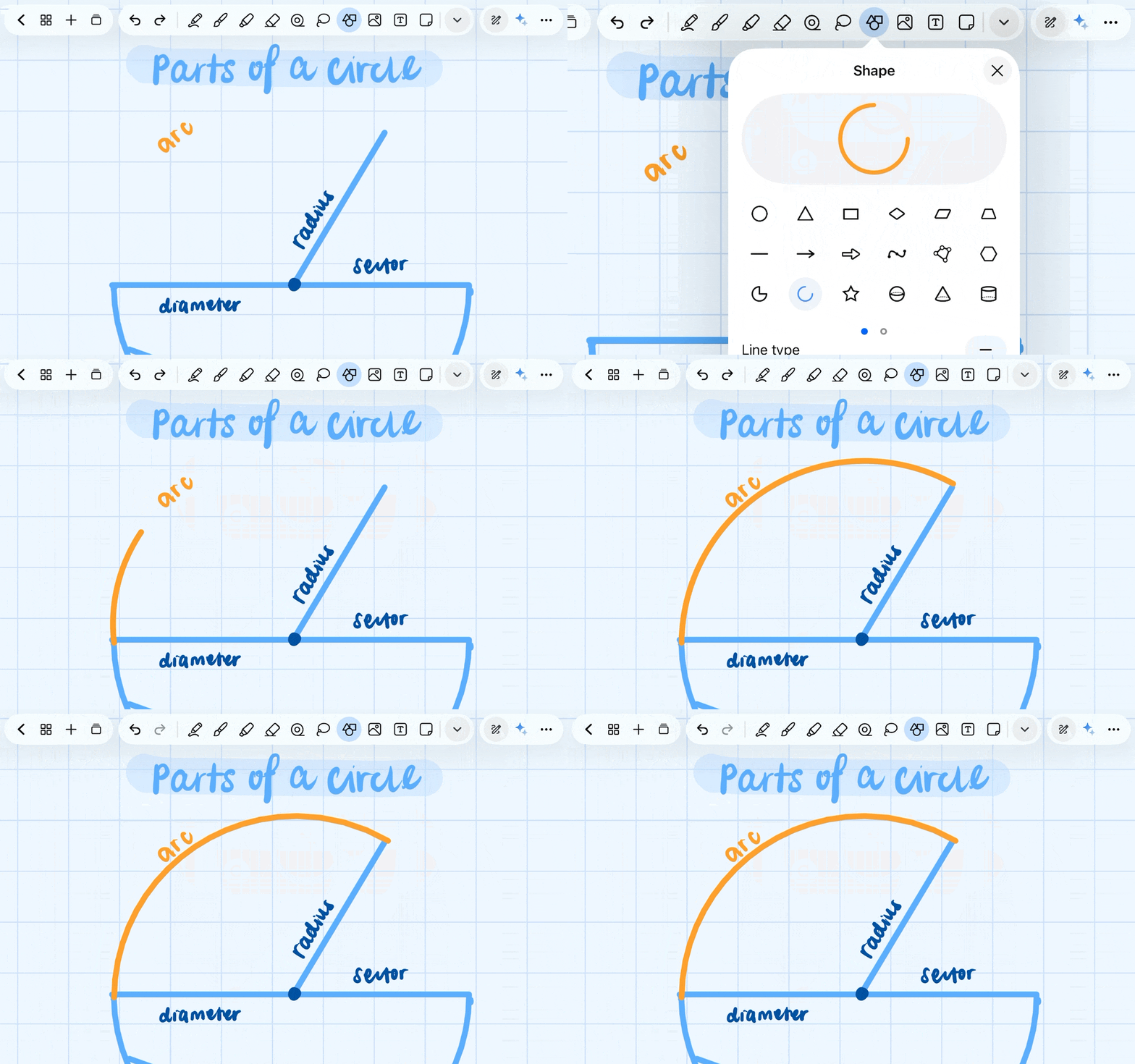
With the addition of the new Arc Shape, you can now build complex, technically precise drawings right on your canvas. Whether it's cylinders, cuboids, sine graphs, or geometric constructions — pair the arc with the rest of your shape tools and what comes out is clean, exact, and effortless at the tip of your stylus or finger.
For anyone who has ever wrestled with a maths problem, a science diagram, or an engineering sketch on a digital canvas — that fight is over. When your diagrams look the way they're supposed to, precise and clean without the effort, your learning follows.
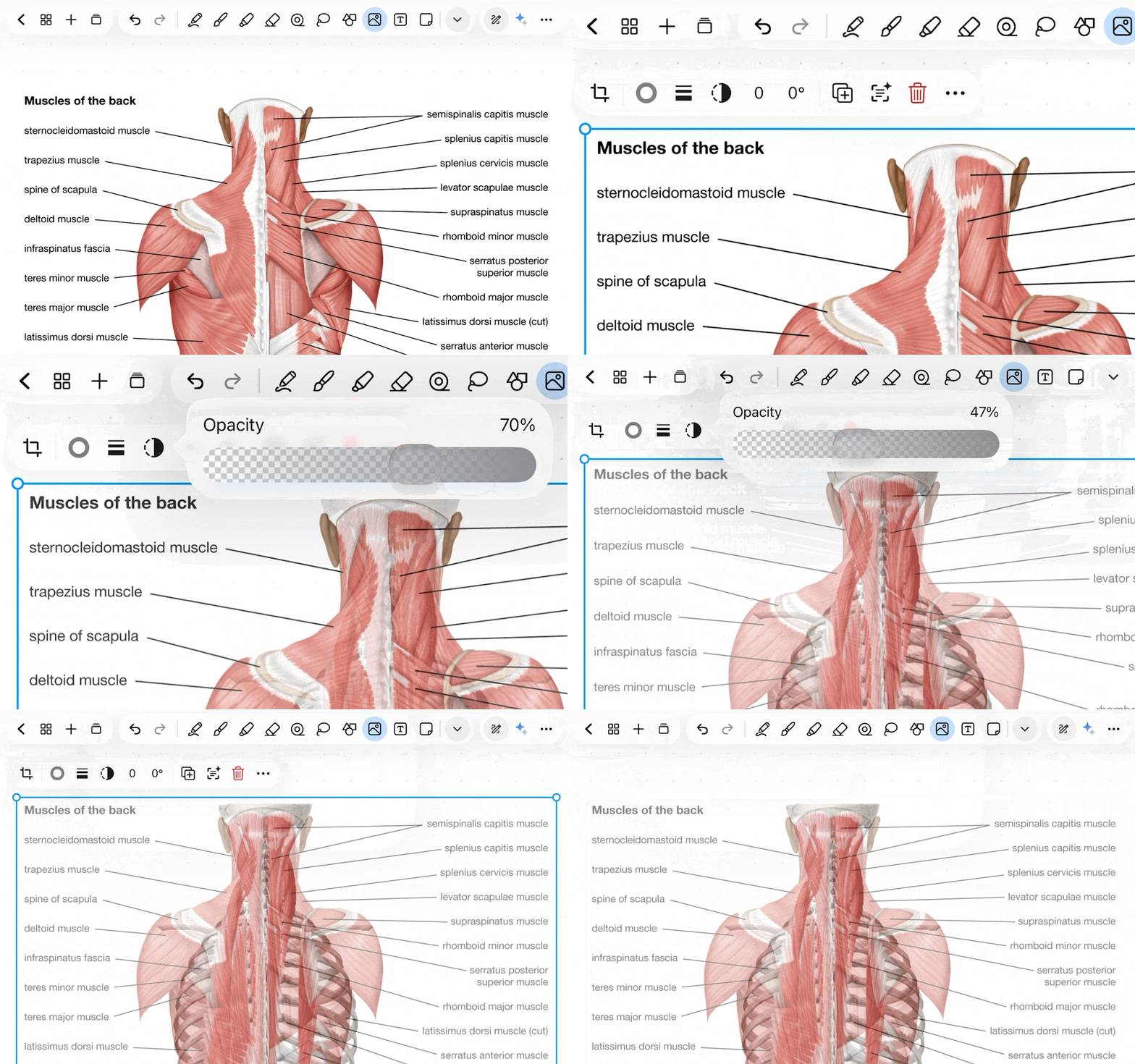
Good notes should also be allowed to look good. This has always been part of the Notewise philosophy, and image opacity control is the latest expression of it.
Layer a reference image behind your handwriting, ghost-style, so it guides without dominating. Create templates with subtle watermarks. Build pages that are layered and rich but visually coherent. Combined with everything else Notewise can already do with images — background removal, shape-fitting, borders — opacity control gives you the final degree of freedom that turns a functional note into a genuinely beautiful one.
Because there's no rule that says studying hard means your notes have to look ugly.
Notewise has always been a canvas. What 3.5 does is add a new layer to that canvas — one where things move, where interactions feel intuitive, where your reference material and your thinking exist in the same space.
We care a lot about the feeling of being in flow with your notes. Every feature in this update was tested against a simple question: does this help people stay in that feeling, or interrupt it?
We think we got it right. But you're the ones who will tell us.
Try 3.5, and let us know what you build.
— The Notewise Team
ZIIKR Pte. Ltd.
#01-08
2 Science Park Drive
Singapore 118222